Type: Design System, Marketing Site, UX/UI, Web Design
Role: AI-Assisted Builder, Lead Designer
Tools: Adobe, Claude Code, Elementor, Figma, WordPress
Project Overview
Hexagon GeoCloud brings two products together, Reality Cloud Studio and GeoCloud Drive, into one cloud platform for reality capture data and digital twins. Launching it meant building everything new. The name, the brand expression, the site architecture, and a design system I can keep running on my own.
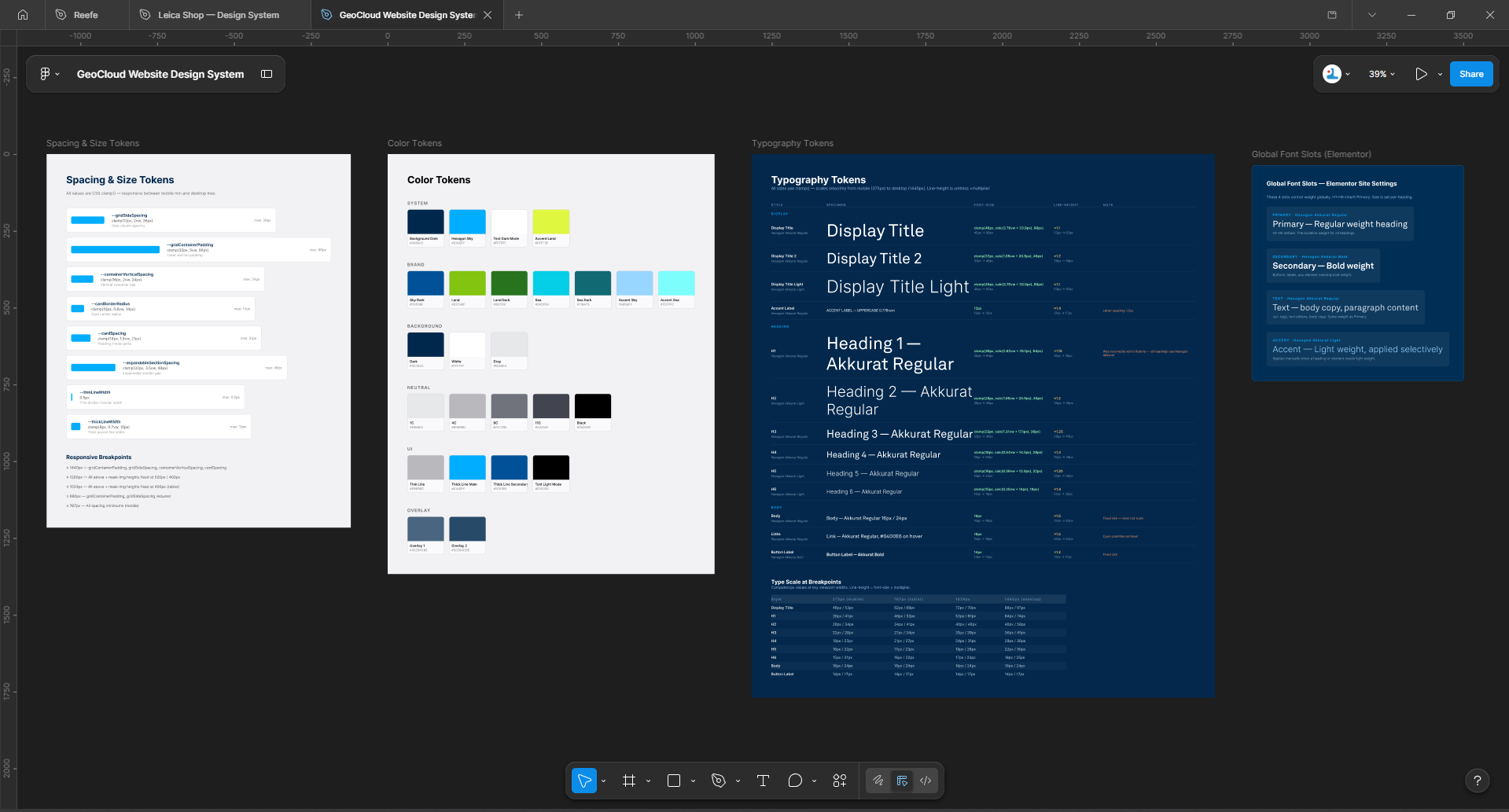
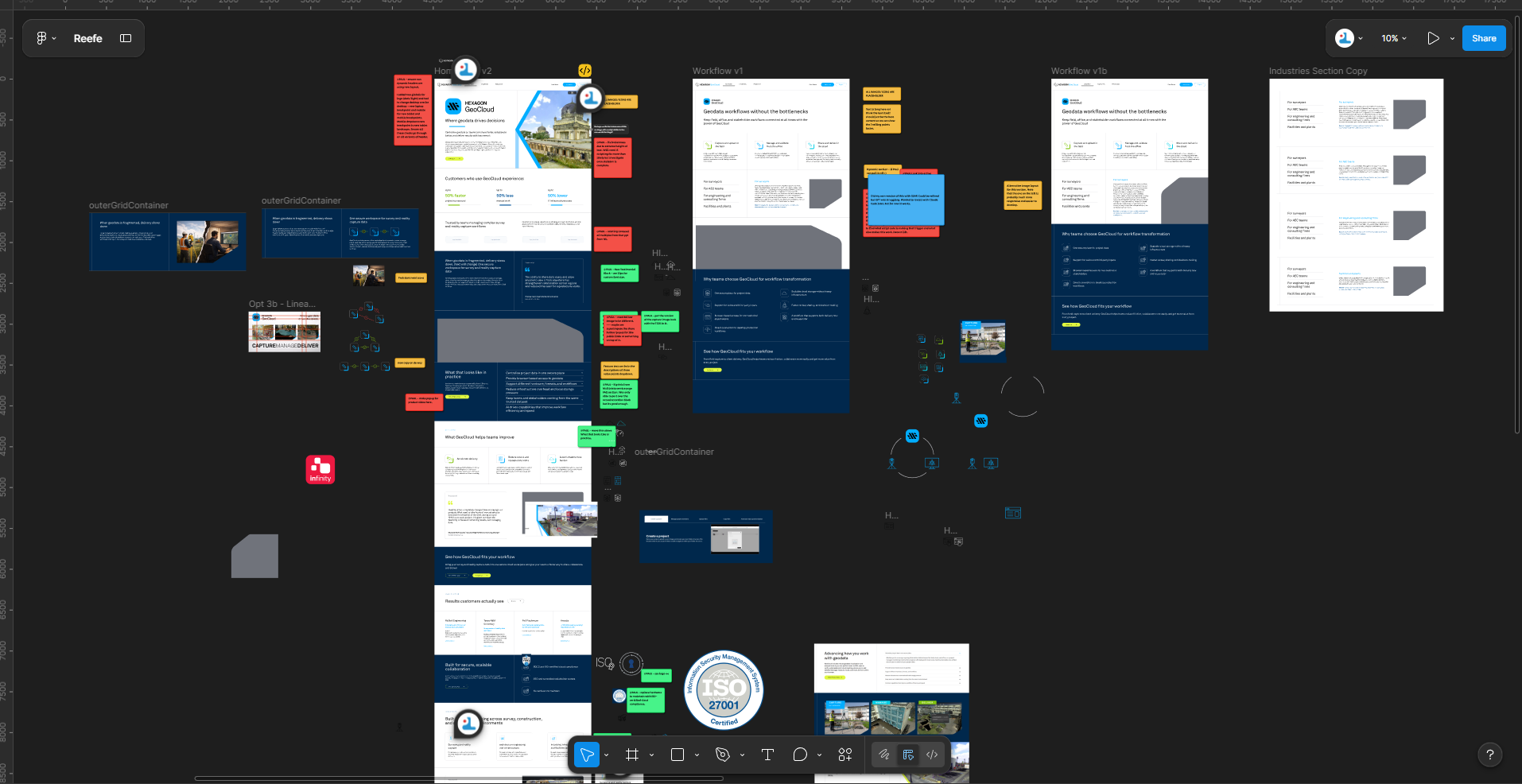
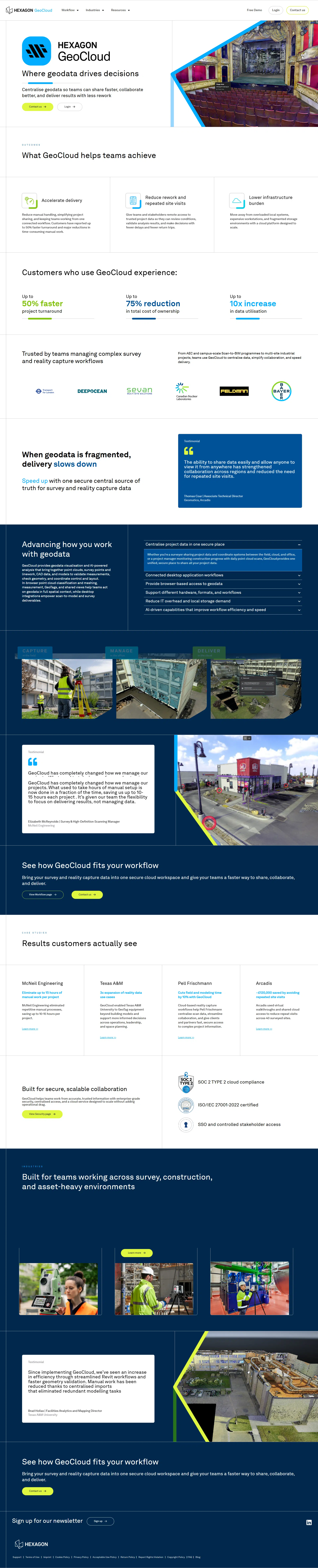
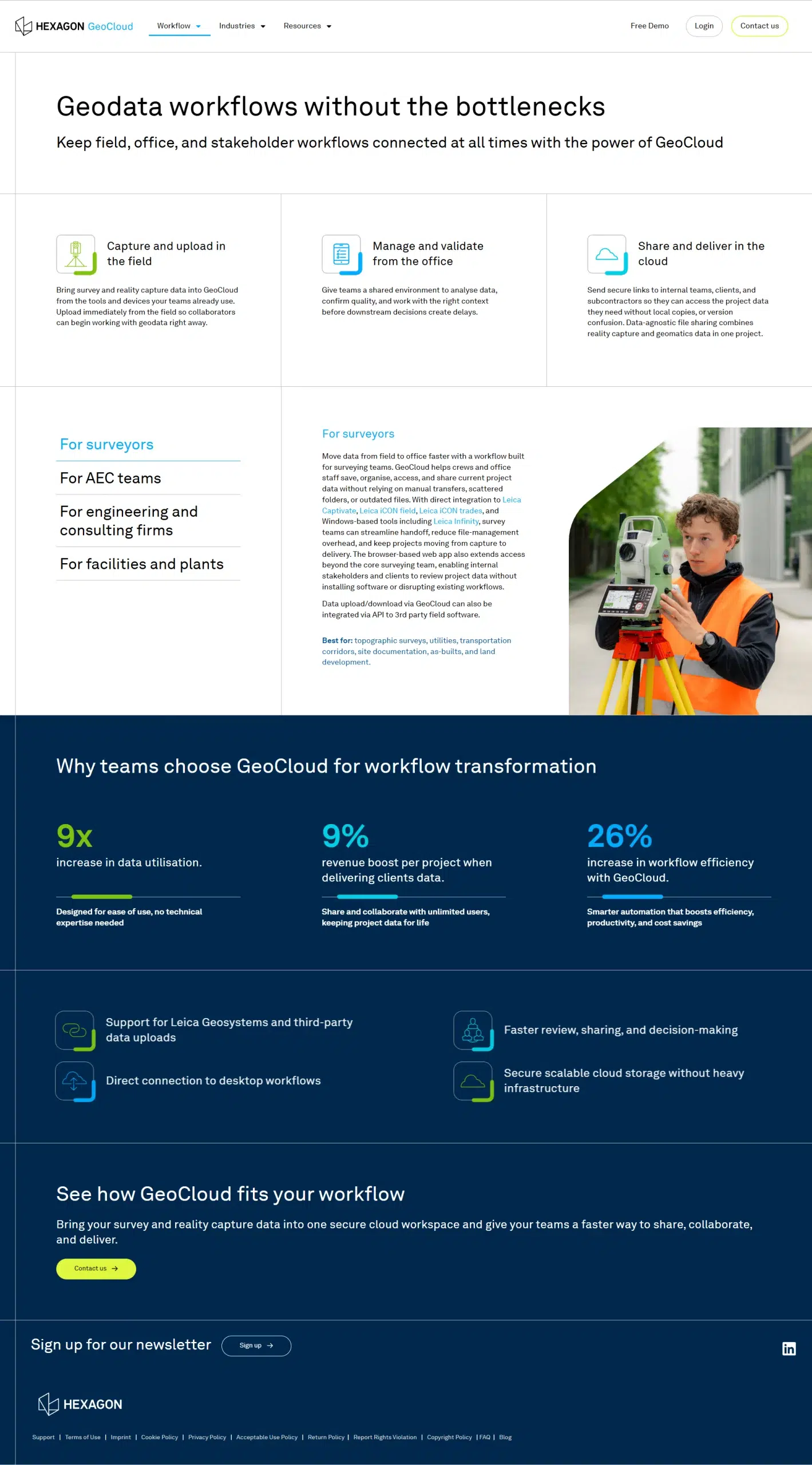
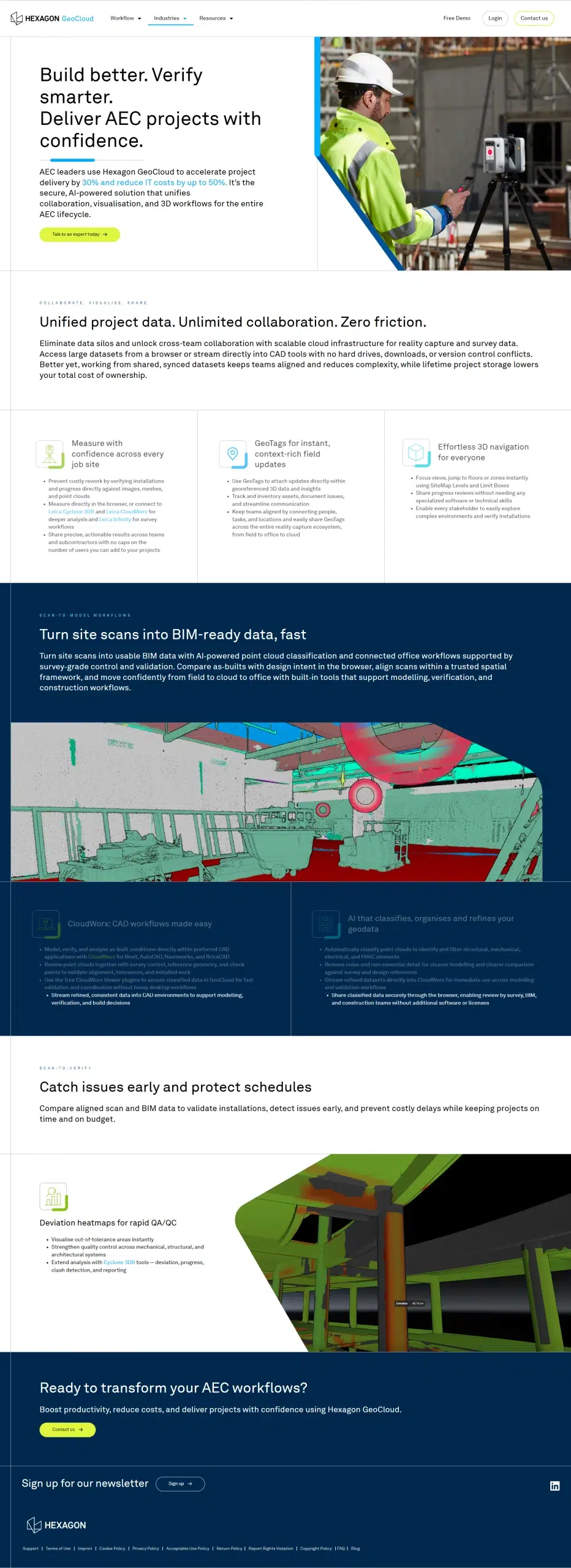
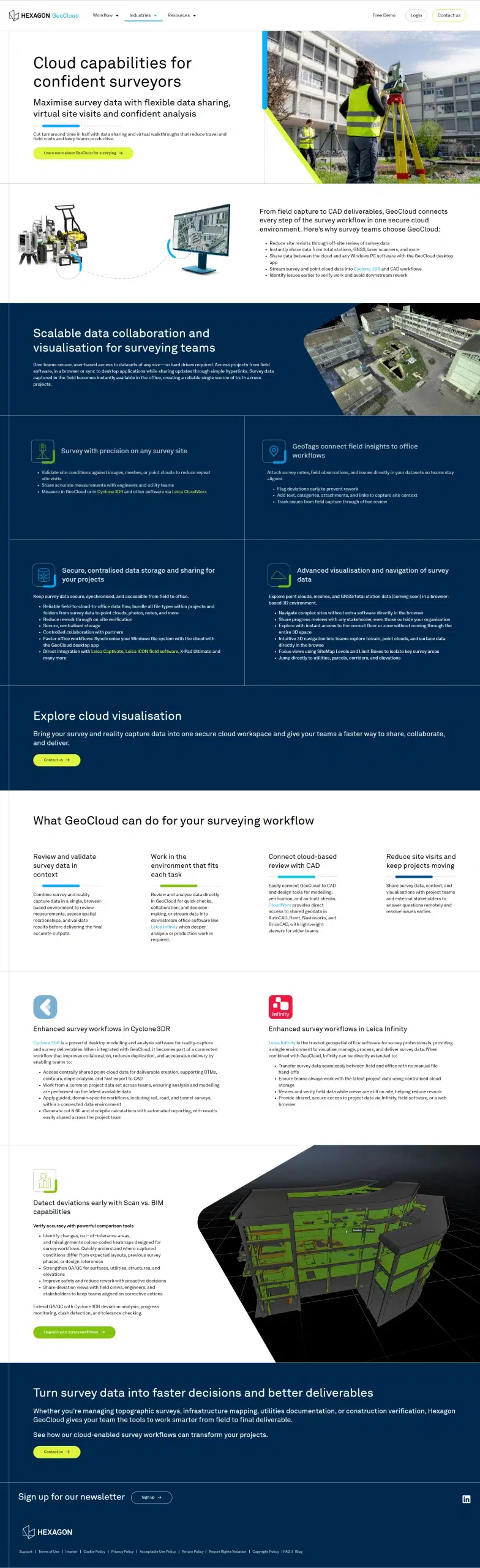
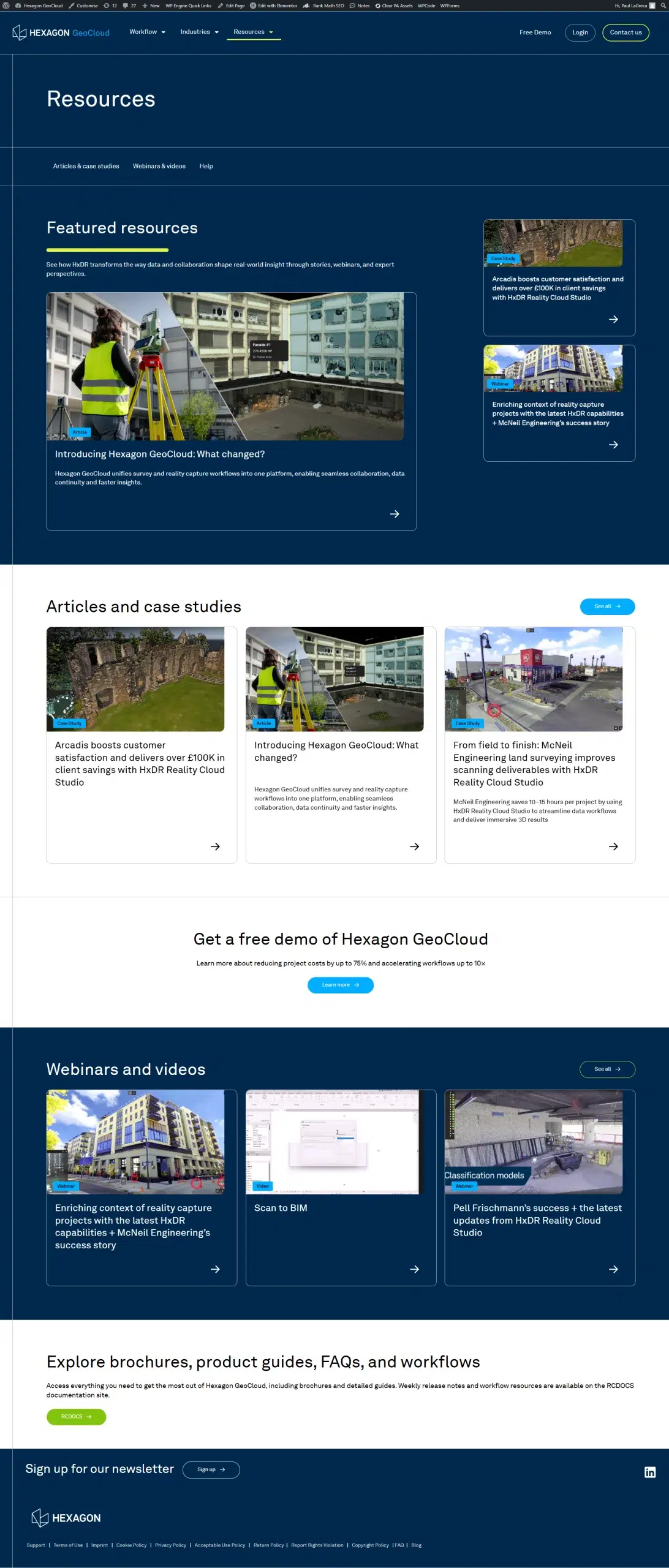
Figma first, always. I worked out the visual language in Figma before a single page touched WordPress. Tokens, components, spacing rules, typography, and the layout grid all lived there first. Every page was composed in Figma too, using those same components. By the time I opened Elementor the design was finished. I was just building what the Figma file already showed.
The thing I kept pushing on was making Figma and the live site match each other. Figma variables map one to one with CSS custom properties in the child theme. When the brand shifts, both environments shift with it. That’s how one person maintains a site this size without the design drifting.
Most of the Elementor build I did by hand, assembling pages from the template library I built. The exception was the animated sections, the ones that would have taken forever to reproduce inside the visual editor. For those I used AI to generate the Elementor JSON, injected it into the page, and refined it from there.
Figma token library
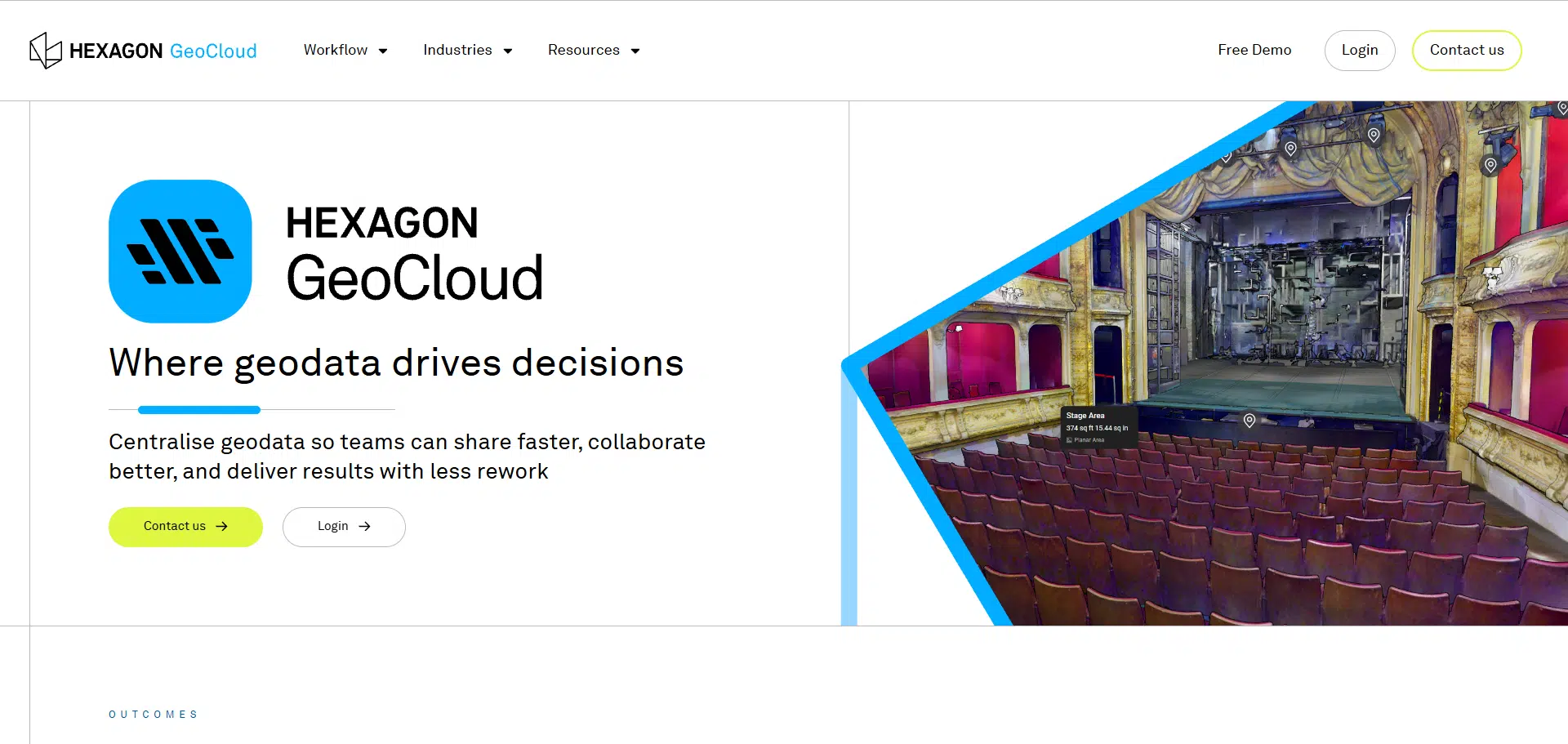
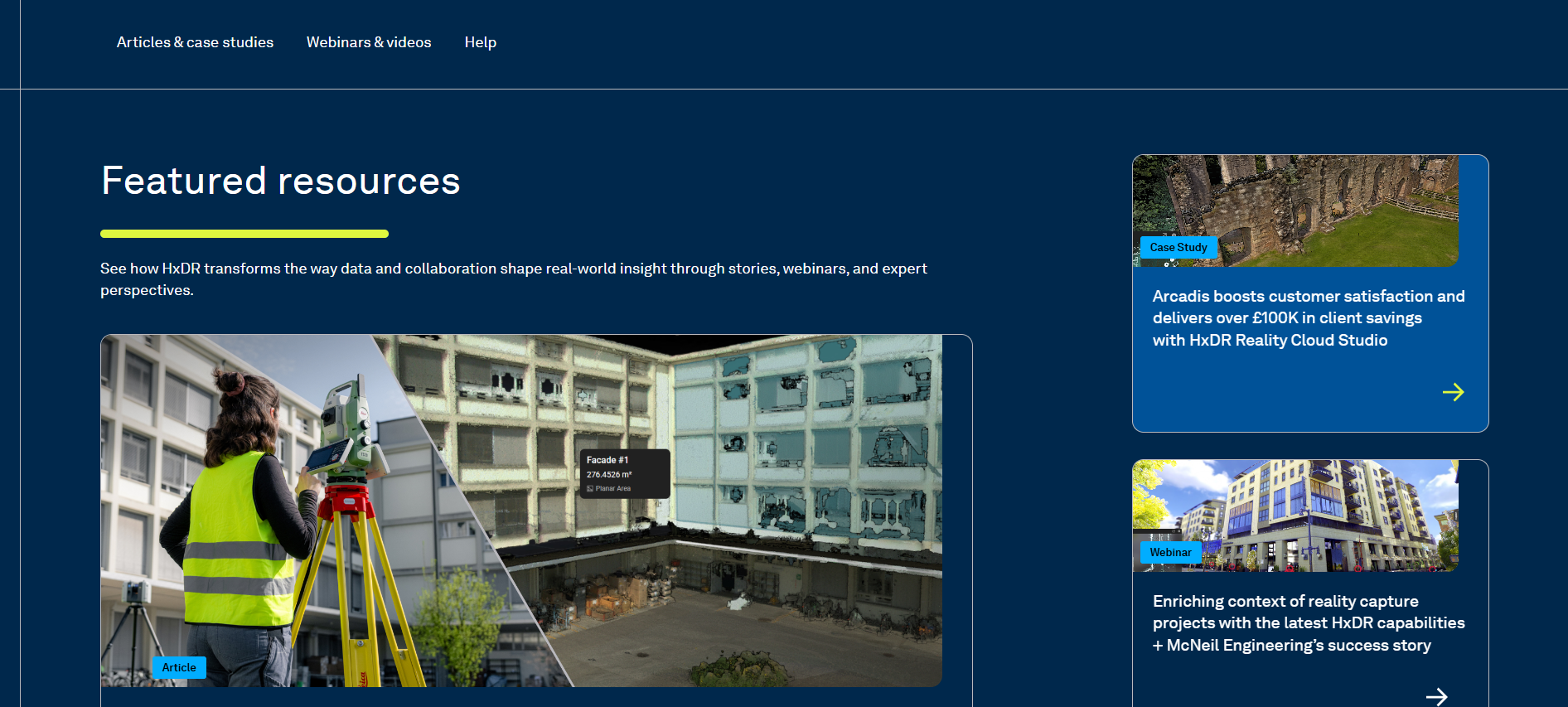
Some renditions of the design in Figma prior to development
Aligning with the New Hexagon Brand
Hexagon has been updating its brand across its whole product portfolio. Hexagon Multivista is the best example of that new direction. I wanted GeoCloud to feel like it belonged in the same family. Someone landing on either site should feel they came from the same company.
Hexagon Multivista website hero
Design System and Page Architecture
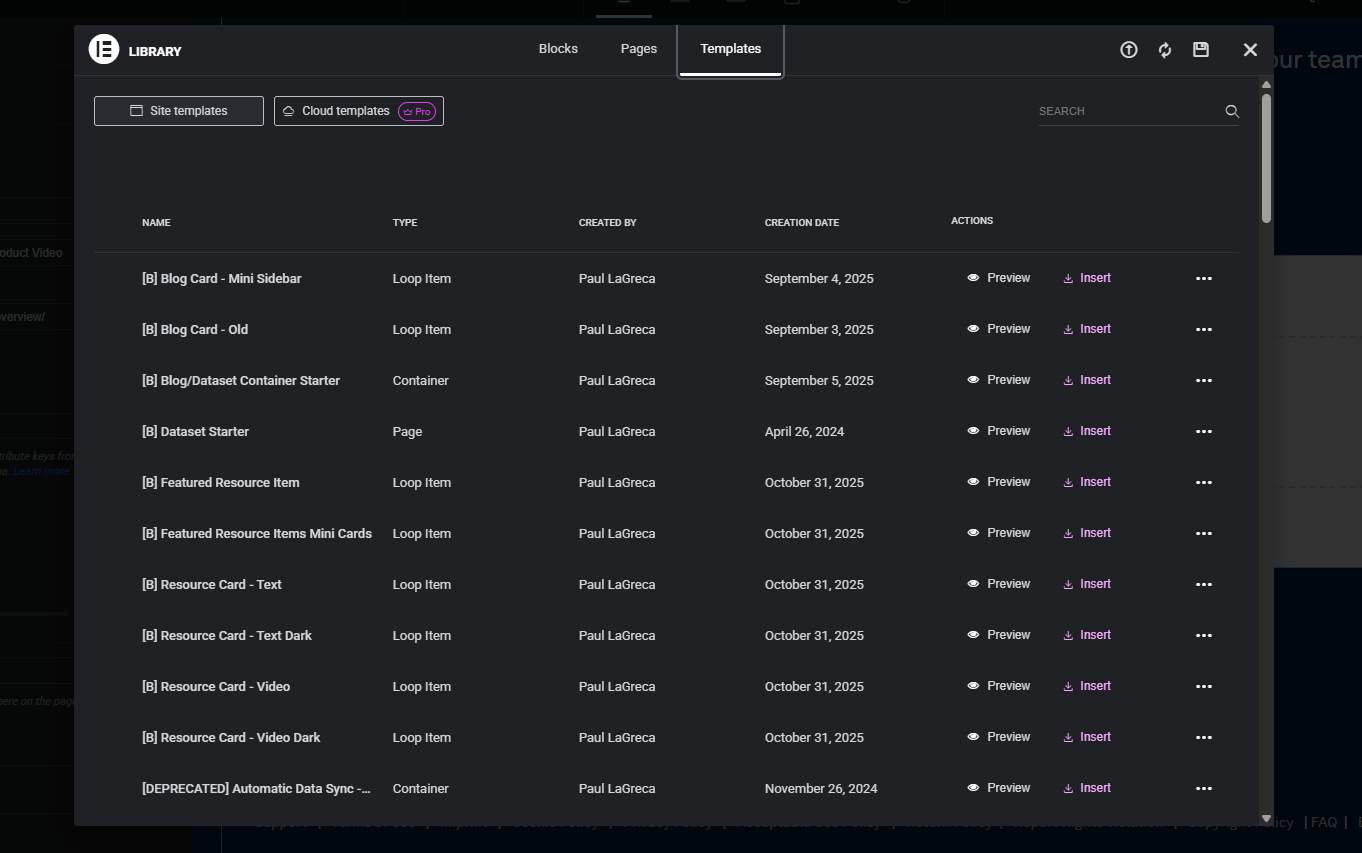
The site uses a layout system built on containers, with a naming convention I use across every project now. [R] marks rows, [B] marks blocks, [E] marks elements, [T] marks theme builder parts, and [P] marks post templates. Rows are numbered so future me, or anyone else, can find and recombine sections without reverse engineering the library.
This is the part I’m most proud of on this build. A site is only worth building if it’s easy to keep updating. The only way I found to get there was to treat the Elementor template library like a real design system.
Extending Elementor with Custom Code
Every builder has limits. Elementor’s show up the moment you want more than what the default widgets can render or animate. I extended the site’s CSS at the child theme level for more design flexibility than the visual builder exposes, and I wrote custom JavaScript and GSAP for the animations the builder can’t produce on its own. AI is what made writing that custom code fast. I’d describe what I needed, Claude would write it, and I’d review and refine from there.
Custom Components
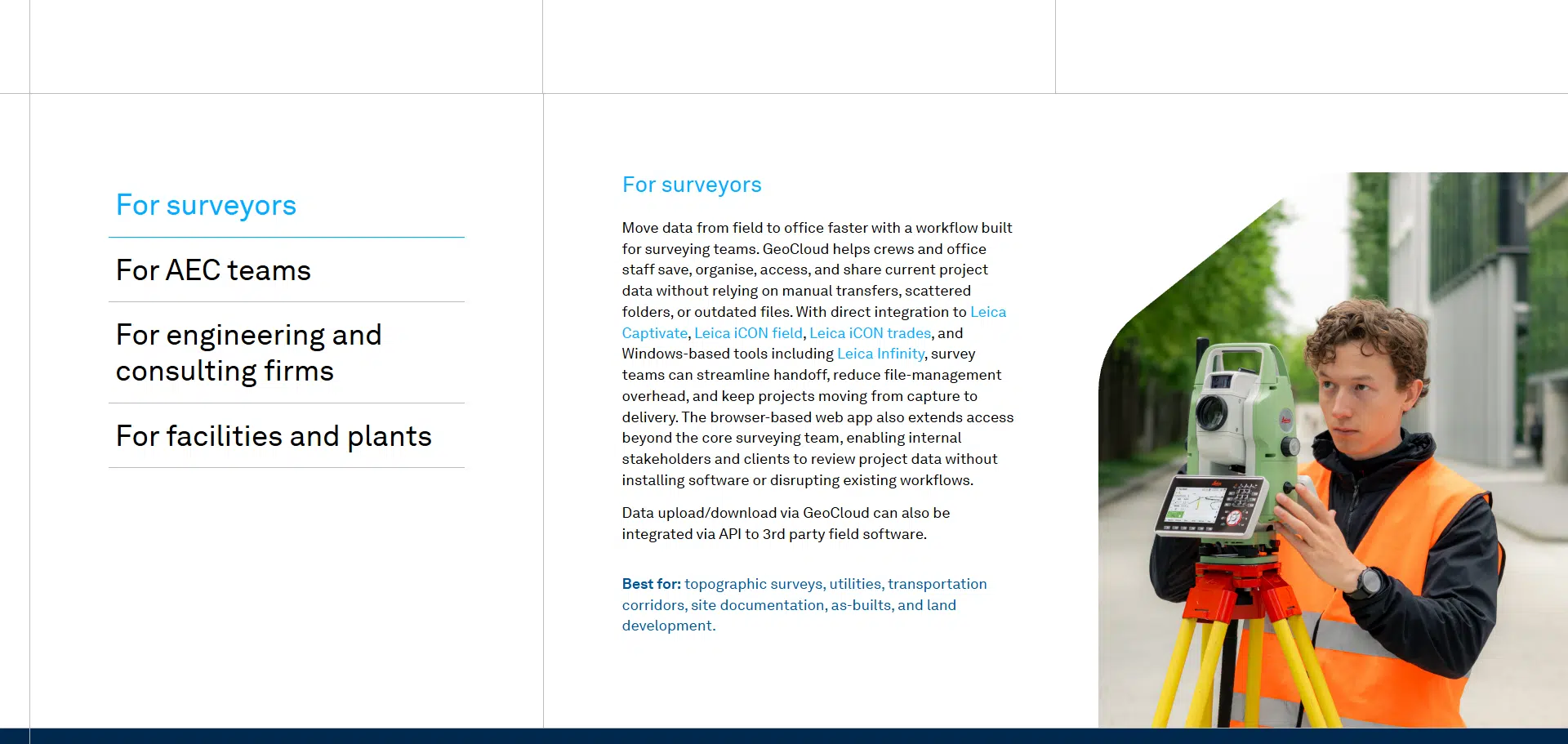
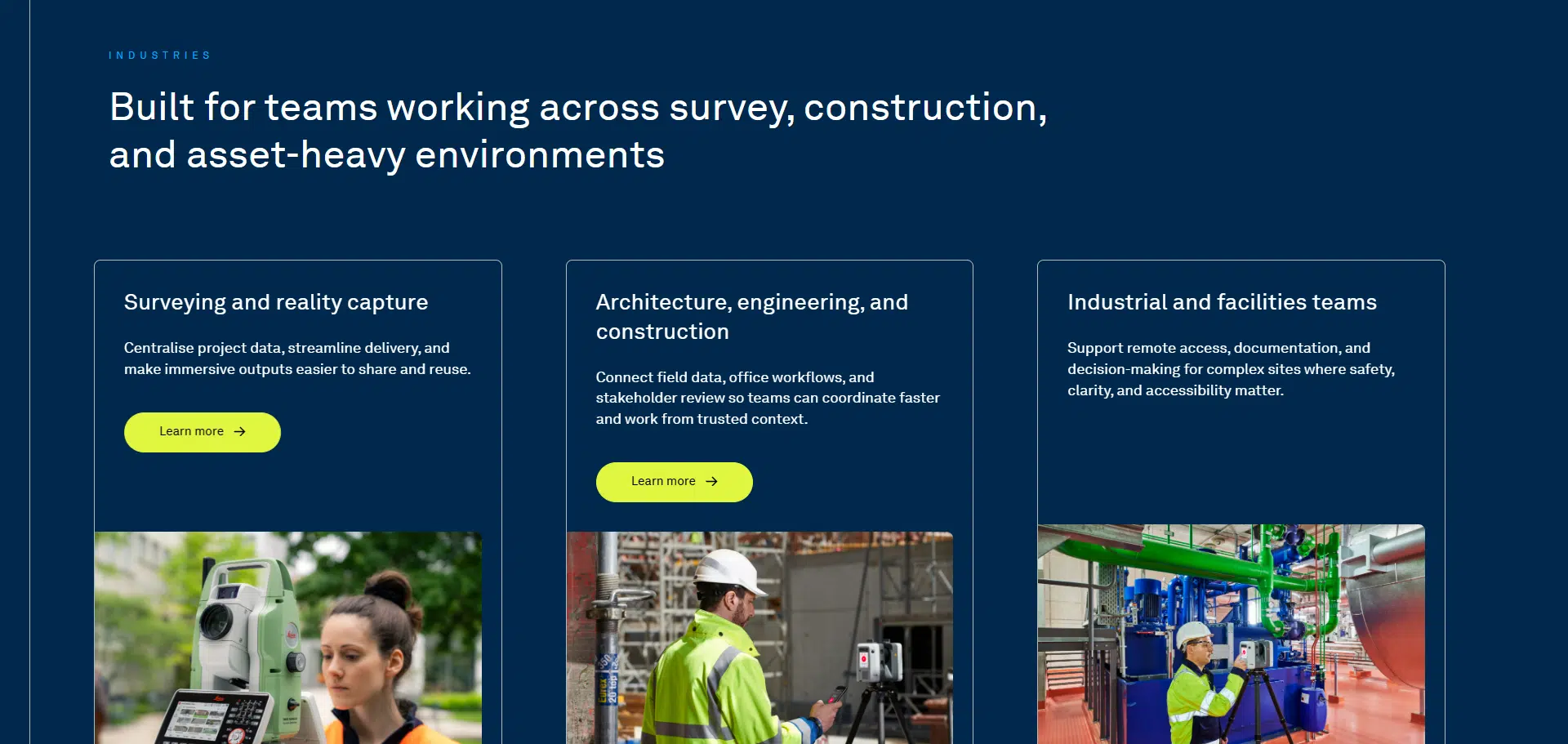
A few of the components that took the most work.
Animated lines. Subtle vector lines that draw themselves in as a section enters the viewport. They add motion to the site.
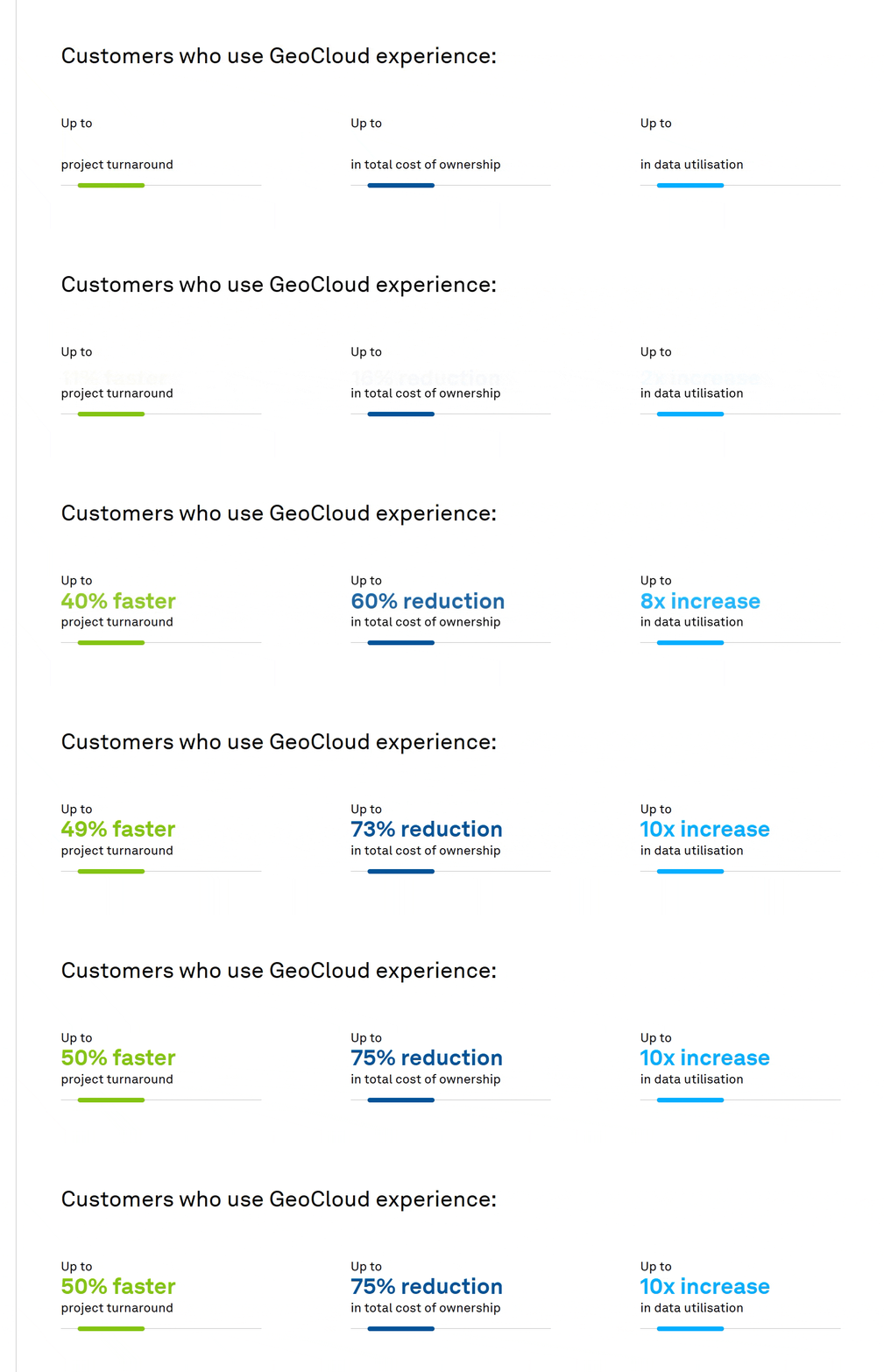
Number counters. Figures that animate up from zero when they scroll into view. Nothing complicated. It turns stat blocks into something a visitor will actually stop on.
Workflow slider. A horizontal slider that walks through the GeoCloud industries one step at a time, built with GSAP. Each step scrolls into place with its own animation timing. The visuals, text, and progress indicator all move in sync. It took more iteration than any other part of the site. If someone asked which component looks the least like stock Elementor, I’d point here first.
Dynamic header. The site header switches between light and dark depending on the page background an editor chooses for no jarring contrast, yet still maintaining flexible design options.
Elementor template library using my naming convention
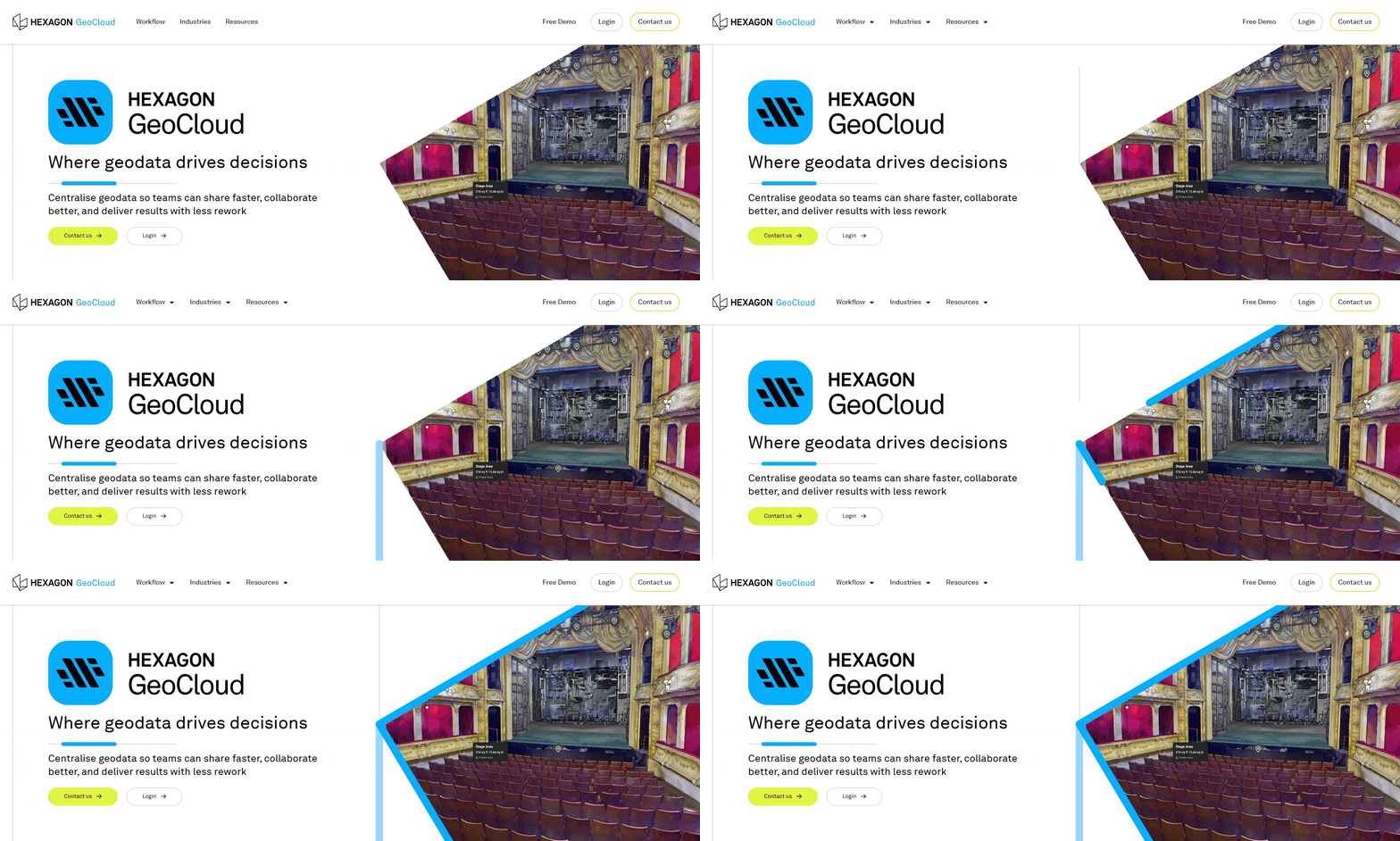
New line animations
Animated metric number counters
Custom dynamic height trigger-based slider (utilizing GSAP and JS)
Working with AI Enter: Claude code
This is the first project for Hexagon and Leica Geosystems where AI became part of how I actually work. I used Claude Code for the engineering side of the build. It wrote Elementor JSON for the animated sections. It helped me debug rendering issues and write custom code for the child theme. It kept my conventions consistent across files that would have otherwise drifted. I designed every page, made every build decision, and reviewed every line Claude wrote.
The result is a bigger, more polished site than I could have shipped alone in the same time, and the design didn’t have to shrink to match what I could personally code in a week.
Outcome
Launched Hexagon GeoCloud on deadline in April 2026. The site is live and sits visually alongside the rest of the Hexagon portfolio